JLR Key — Header Preview
★★★★★ Five-Star
Fully Authorised
DBS Checked
12-Month Warranty
Free Quote · No Call-Out Fee
North Wales · Mobile
Jaguar XF · Key Specialist

Jaguar XF Key Replacement North Wales

Specialist key programming, replacement and repair for all Jaguar XF variants across North Wales — X250 (2007–2015) and X260 (2015–present). BCM on early models, KVM from 2012 onwards. Flip keys, smart keys, all-keys-lost and fob repair all covered. Fixed quote before attending. No call-out fee.
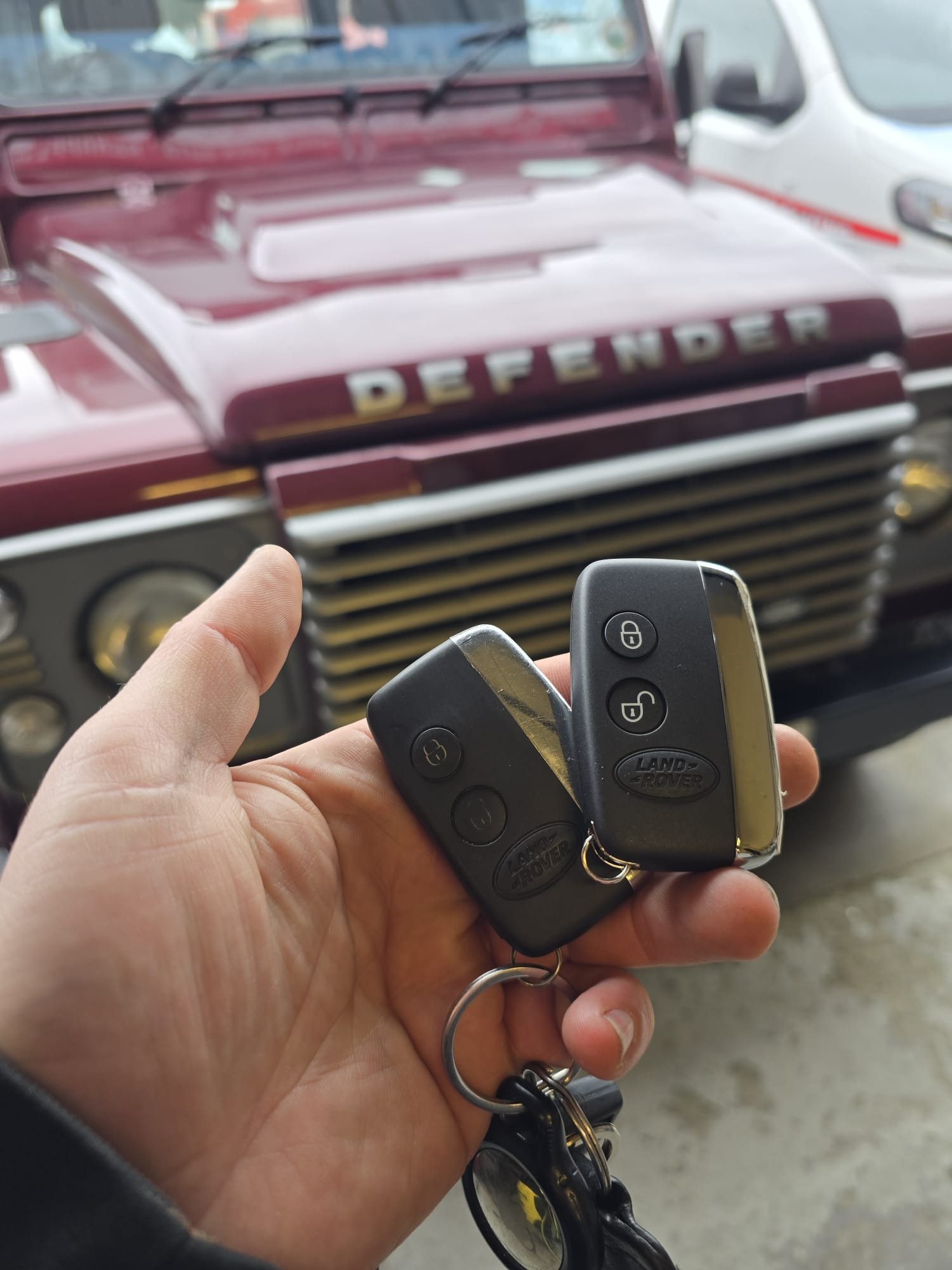
Jaguar XF KeyXF Smart KeyXF BCM KeyXF KVM ProgrammingXF Flip KeyXF Key ReplacementAll Keys LostXF Sportbrake KeyNorth Wales
Jaguar XF key replacement North Wales — X250 and X260 specialist
£0
Call-Out Fee
Same Day
North Wales
12 Months
Warranty
XF Key System

Jaguar XF Key Security

At a Glance
Call-out fee£0
X250 (2007–2011)BCM / HITAG flip key
X250 facelift (2012–2015)KVM standard
X260 (2015–present)KVM standard
SportbrakeSame system as saloon
ResponseSame day
Warranty12 months
QuoteFixed, before attending

The Jaguar XF has been in production since 2007 and spans two body generations — the X250 (2007–2015) and the X260 (2015–present) — with three distinct key security systems across that range. Understanding which generation your XF is from determines the correct programming approach and equipment required.

2007–2011 · X250
BCM / HITAG — Flip Key

The original X250 XF uses BCM (Body Control Module) key management with a HITAG transponder — the older Jaguar security architecture. The key is a fold-out flip key with a physical blade and an RF remote on the same unit. This system is more accessible than KVM and can be programmed via OBD using JLR-compatible tools. Both the flip key and the separate remote fob (on some variants) are covered for replacement and programming.

2012–2015 · X250 Facelift
KVM — Smart Keyless Key

The 2012 X250 facelift introduced the KVM (Key Vehicle Module) and push-button start smart key technology to the XF — the same architecture used across the contemporary XJ X351. The key is now a smart fob without a physical blade. KVM requires specialist JLR diagnostic access — generic tools cannot enrol keys to this system correctly.

2015–Present · X260
KVM — All-New Platform

The X260 XF is an entirely new vehicle on the Jaguar lightweight aluminium architecture, sharing its platform with the XE. It uses KVM key management throughout — standard KVM across the full X260 production run. The Ingenium engine range in the X260 does not affect the key security system. Both the saloon and XF Sportbrake (estate) are covered.

All XF Variants

Jaguar XF Models & Engines

All XF engine and body variants covered across both generations. Confirm your model year when calling — this determines the security system and quote.

X250 · 2007–2011 · BCM Flip Key
XF 2.7d V6
152ps TDV6 diesel
XF 3.0d V6
240ps TDV6 diesel
XF 2.0i
240ps naturally aspirated
XF 3.0i SC
238ps / 275ps supercharged
XF 4.2i V8
298ps naturally aspirated
XF 4.2 SC V8
416ps supercharged
XF-S 3.0i
380ps supercharged V6
XFR 5.0 SC
510ps supercharged V8
X250 Facelift · 2012–2015 · KVM Smart Key
XF 2.2d
160ps / 200ps diesel
XF 3.0d V6
202ps / 270ps TDV6
XF 2.0i
240ps petrol
XF 3.0i SC
240ps / 340ps supercharged
XFR 5.0 SC
510ps supercharged V8
XFR-S 5.0 SC
550ps supercharged V8
Sportbrake 2.2d
All Sportbrake variants
Sportbrake 3.0d
All Sportbrake variants
X260 · 2015–Present · KVM Smart Key
XF 2.0d
163ps / 180ps Ingenium
XF 3.0d
300ps TDV6
XF 2.0i
250ps Ingenium petrol
XF 3.0i SC
340ps / 380ps
XF 5.0 SC
550ps supercharged V8
Sportbrake 2.0d
Ingenium diesel estate
Sportbrake 3.0d
300ps TDV6 estate
Sportbrake 2.0i
250ps petrol estate

XF Sportbrake (estate): Uses exactly the same key security system as the XF saloon for the same model year. Both BCM and KVM Sportbrake variants are fully covered — no difference in programming or quote.

The Process

How XF Key Programming Works

01
Call — generation confirmed
Tell us your XF year (and whether saloon or Sportbrake). We confirm BCM or KVM, select the correct equipment and provide a fixed price before attending.
02
On-site attendance
Our specialist attends at your location across North Wales — home, workplace or roadside. No garage visit needed.
03
Security system connection
For BCM XFs — OBD-based HITAG key learning. For KVM XFs — dedicated KVM module connection using JLR-specific diagnostic tools. Both approached with the correct specialist equipment.
04
Key programmed and tested
New OEM key enrolled. For flip keys — blade and transponder. For smart keys — keyless entry and push-button start verified.
05
12-month warranty
All parts and labour covered.
FAQ

XF Key Questions

Common questions about Jaguar XF key replacement — flip keys, BCM vs KVM, Sportbrake and XFR variants.

Yes. The early X250 XF (2007–2011) uses a fold-out flip key with a HITAG transponder and BCM key management. JLR Key covers flip key replacement and programming for all early XF variants — including cases where both the flip key and the separate remote fob need replacing.
The BCM (2007–2011 X250) is the older security architecture — the key is a flip blade with transponder, programmed via OBD. The KVM (2012+ X250 facelift and all X260) is a dedicated security module requiring specialist JLR diagnostic tools. See our smart key programming page for full technical detail.
Yes. All-keys-lost recovery is available for both XF generations. The BCM-equipped early XF is generally more straightforward to recover than the KVM-equipped models, though both are fully covered on-site across North Wales.
No. The XF Sportbrake (estate) uses exactly the same key security system as the XF saloon for the same model year. BCM on pre-2012 Sportbrakes, KVM on 2012 onwards. Both are fully covered — same process, same quote.
Yes. The XFR and XFR-S performance variants use the same key security system as standard XF models for the same year — BCM on pre-2012, KVM from 2012. The high-performance V8 engine does not affect the key system.
No. There is no call-out fee on any job. A fixed price is quoted by phone before attending — no hidden charges on arrival. Call 07425 345750.
Scroll to Top